What Is Vibe Coding for Games? How It Works and Where It Breaks
Brightory creates practical AI guides and workflows based on research, testing, and documented AI usage patterns.
Vibe coding for games means directing an AI coding system mainly through natural language and validating the result by running and playtesting it. It is strongest for rapid prototypes and bounded features; reliability drops when context, architecture and testing are allowed to drift.
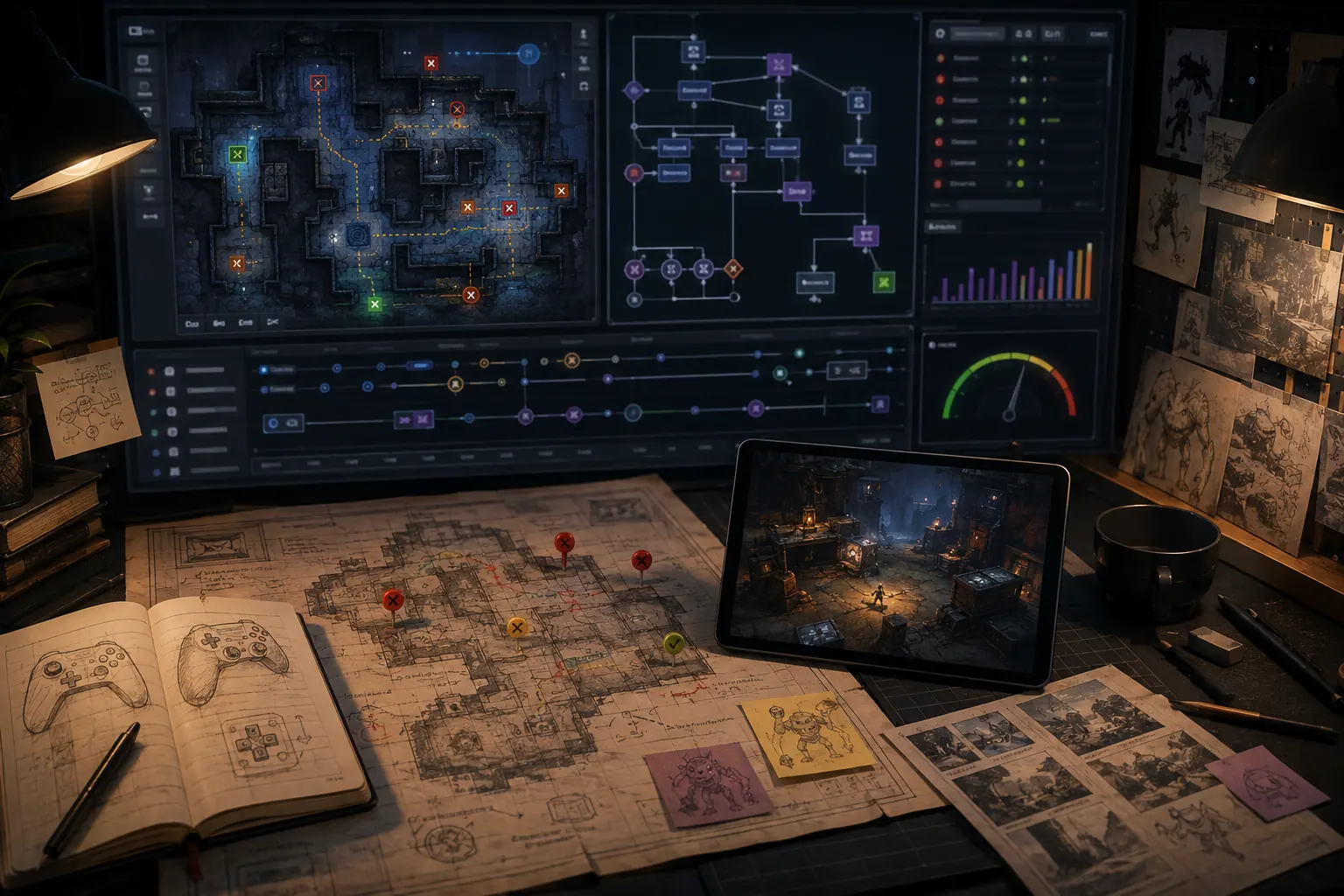
Vibe coding for games means directing an AI coding system mainly through natural language and validating the result by running and playtesting it. It is strongest for rapid prototypes and bounded features; reliability drops when context, architecture and testing are allowed to drift.
Why this problem appears in AI-built games
Recent research on vibe coding finds that fast generation does not remove the need for context management, verification and debugging. Long sessions can develop a gap between what the user believes the system does and what the generated code actually does; local fixes can also create broader regressions when the agent lacks architectural context.
Use a controlled change loop
- Checkpoint: save the last version whose known behaviors pass.
- Specify: write expected behavior in observable terms.
- Bound: list systems the agent must not change.
- Change: implement one feature or fix at a time.
- Verify: reproduce the target behavior and rerun nearby regression tests.
What not to do
- Do not combine a bug fix, refactor and new feature in one request.
- Do not assume a confident AI explanation is evidence; reproduce the behavior or inspect logs.
- Do not keep stacking fixes on a broken version. Return to a known-good checkpoint when the direction becomes unclear.
A prompt structure that keeps the task bounded
GOAL: [one observable result]
CURRENT BEHAVIOR: [what happens now]
EXPECTED: [what should happen]
EVIDENCE: [steps, logs, screenshots, files]
DO NOT CHANGE: [working systems]
PROCESS: inspect first, explain likely cause, make the smallest change, then verify.
A concrete vibe-coding loop
A useful loop is small: describe one observable behavior, let the model change the minimum surface needed, run the game, compare the result with a written acceptance check, then either keep or revert the change. The moment you stop knowing which prompt changed which behavior, the speed advantage starts turning into debugging debt.
Want to make this workflow repeatable?
If what Is Vibe Coding for Games? How It Works and Where It Breaks is something you need to do more than once, the expensive part is rebuilding the process every time. The Brightory AI Game Builder Workflow Kit packages this kind of work into reusable planning sheets, prompt structures, change-control templates, playtest checks and handoff assets, so you can carry the method into the next project instead of starting over.
Where vibe coding usually stops scaling
Watch for three signals: prompts routinely touch unrelated systems, regressions appear after “small” changes, or the model needs a large history dump before every task. At that point the project needs explicit architecture, version control, tests and narrower ownership boundaries. You can still use AI heavily; the difference is that prompts operate inside a maintained engineering system instead of replacing one.
| Stage | Useful behavior | Warning sign |
|---|---|---|
| Prototype | Fast prompt → play → revise loop | Accepting every generated change |
| Growing project | One mechanic per bounded task | Context must be re-explained constantly |
| Production | AI edits behind tests and ownership rules | Prompt history becomes the architecture |
Source and verification note
This guide was checked against Microsoft Research and updated Sep 5, 2026. Product behavior can change; where a claim depends on a current feature, the linked primary source should take precedence.
Prototype scope benchmark
A strong AI game request behaves like a small design specification: player action, state transition, goal, failure condition and feedback. Theme and adjectives are secondary until the loop is testable.
- Write the loop in verbs.
- Define score/timer/health/inventory or other state explicitly.
- State what version one excludes.
- Add one mechanic per revision.
- Promote the prototype only after repeated playtests.
Acceptance test
A new player should understand the action-goal-feedback loop quickly, and the developer should be able to modify one mechanic without rewriting unrelated behavior.
Decision rule
Convert “make a fun game” into a player loop plus state machine before asking for polish.
Prototype quality matrix
| Check | Evidence | Pass condition |
|---|---|---|
| Core loop | Repeated play without explanation. | Action, goal and feedback are clear. |
| State correctness | Score/timer/health/win-loss transitions. | State changes only when the defined rule fires. |
| Scope | Version-one exclusions remain absent. | No feature creep obscures the loop. |
| Maintainability | One mechanic can change independently. | Dependencies are bounded enough for safe iteration. |
Worked example: prove one loop before adding the second idea
Start with a sixty-second collection loop: move, collect a token, add one point, spawn another token, end the round on time. Test duplicate scoring, respawn and timer completion before adding enemies, upgrades or cosmetics.
The next prompt adds exactly one mechanic, such as a hazard that removes a point. The acceptance test now covers the new rule plus regressions for collection and round ending. If the new mechanic breaks the original loop, fix or roll it back before adding anything else. This is the point where prompt-driven experimentation begins to resemble maintainable development.
- Rosebud — AI Game Creator
- Roblox Creator Hub — Studio Assistant guide
- Roblox Creator Hub — Studio testing modes
Product features, pricing, model behavior and platform controls can change. Re-check the linked official documentation before relying on a current limit, entitlement or interface detail.