How to Turn a Vibe-Coded Game Prototype Into a Maintainable Project Without Rebuilding It From Scratch
Brightory creates practical AI guides and workflows based on research, testing, and documented AI usage patterns.
Do not rewrite the prototype all at once. Freeze behavior, map systems and state ownership, add characterization tests, extract one boundary at a time, and keep a playable build after every cleanup step.
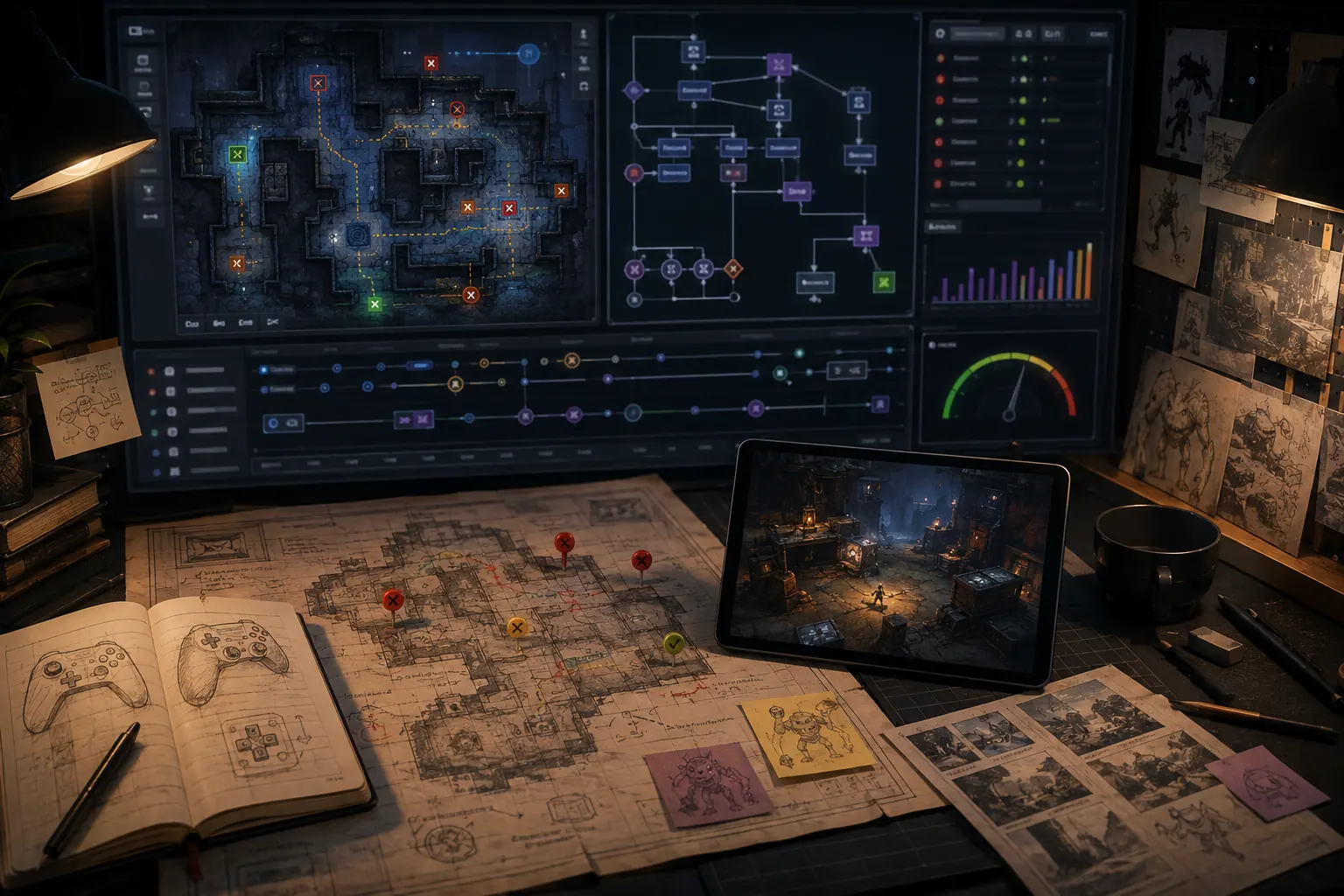
Do not rewrite the prototype all at once. Freeze behavior, map systems and state ownership, add characterization tests, extract one boundary at a time, and keep a playable build after every cleanup step.
Preserve the thing the prototype already proved
A prototype has value because some loop, interaction, or feel is already playable. A total rewrite risks losing that knowledge. Start by recording the current behaviors worth keeping, including weird edge cases that players already rely on.
Build a system map before refactoring
List major state owners, dependencies, event flows, save boundaries, networking authority, and scene ownership. Mark tangled areas rather than immediately fixing them. The map gives future AI tasks a stable vocabulary.
Add characterization tests around risky behavior
These tests do not claim the current implementation is ideal; they capture what it does now. They let you change internals one boundary at a time while detecting accidental behavior drift.
Refactor by seam, not by file count
- Choose one subsystem with a clear input/output boundary.
- Write or stabilize its contract.
- Move logic behind that boundary without changing behavior.
- Run core playtests/regressions.
- Commit before choosing the next subsystem.
Production readiness is a separate decision
After maintainability improves, review performance, persistence, security, platform requirements, analytics, and release QA. A clean codebase is necessary for production but not sufficient by itself.
Working template
STABILIZATION PLAN
BEHAVIORS TO PRESERVE: [...]
SYSTEM MAP: [...]
TANGLED BOUNDARY #1: [...]
CHARACTERIZATION TESTS: [...]
REFACTOR ONE SEAM → VERIFY PLAYABLE BUILD → COMMIT → NEXT SEAM.
Source and verification note
This guide was checked against Microsoft Research: Vibe coding and Microsoft Research: Good Vibrations? and Vibe Coding in Software Development: Multivocal Review and updated Sep 5, 2026. The research describes patterns and risks rather than guaranteeing outcomes for every project; validate the workflow in your own codebase.
Working on a similar coding task? Use the free Coding Agent Context Builder to turn scope, relevant files, protected areas and verification into an agent-ready handoff.
Turn this fix into a reusable system.
The method for turning a Vibe-Coded Game Prototype Into a Maintainable Project without Rebuilding It From Scratch is easier to maintain when the checks, prompts and handoff steps live in one repeatable workflow. The Brightory AI Game Builder Workflow Kit packages this kind of work into reusable planning sheets, prompt structures, change-control templates, playtest checks and handoff assets, so you can carry the method into the next project instead of starting over.
Prototype scope benchmark
A strong AI game request behaves like a small design specification: player action, state transition, goal, failure condition and feedback. Theme and adjectives are secondary until the loop is testable.
- Write the loop in verbs.
- Define score/timer/health/inventory or other state explicitly.
- State what version one excludes.
- Add one mechanic per revision.
- Promote the prototype only after repeated playtests.
Acceptance test
A new player should understand the action-goal-feedback loop quickly, and the developer should be able to modify one mechanic without rewriting unrelated behavior.
Decision rule
Convert “make a fun game” into a player loop plus state machine before asking for polish.
Prototype quality matrix
| Check | Evidence | Pass condition |
|---|---|---|
| Core loop | Repeated play without explanation. | Action, goal and feedback are clear. |
| State correctness | Score/timer/health/win-loss transitions. | State changes only when the defined rule fires. |
| Scope | Version-one exclusions remain absent. | No feature creep obscures the loop. |
| Maintainability | One mechanic can change independently. | Dependencies are bounded enough for safe iteration. |
Worked example: prove one loop before adding the second idea
Start with a sixty-second collection loop: move, collect a token, add one point, spawn another token, end the round on time. Test duplicate scoring, respawn and timer completion before adding enemies, upgrades or cosmetics.
The next prompt adds exactly one mechanic, such as a hazard that removes a point. The acceptance test now covers the new rule plus regressions for collection and round ending. If the new mechanic breaks the original loop, fix or roll it back before adding anything else. This is the point where prompt-driven experimentation begins to resemble maintainable development.
Operational notes for this workflow
Translate the idea into a short mechanic contract: player input, state change, feedback, goal, failure condition and round reset. Add explicit exclusions for the current version. This gives the generator enough behavior to build while preventing every attractive idea from entering the first prototype.
After each prompt, play the loop before adding another feature. Record one concrete failure or improvement target and make the next prompt address only that item. Iteration becomes much easier to debug when each prompt has one observable purpose.
Final production checklist
- Checkpoint: is there a known-good version you can return to?
- Behavior: is the requested mechanic or decision stated in observable terms?
- Scope: are protected systems and out-of-scope features named?
- Test: is there a repeatable playtest or buyer comparison benchmark rather than a subjective “looks good” judgment?
- Evidence: are platform features, pricing or rights linked to current primary sources where those facts matter?
Do not move to the next prompt, feature or purchase decision until the current step can be explained from this record. That discipline is what turns a one-off AI result into a workflow another developer can reproduce.
- Rosebud — AI Game Creator
- Roblox Creator Hub — Studio Assistant guide
- Roblox Creator Hub — Studio testing modes
Product features, pricing, model behavior and platform controls can change. Re-check the linked official documentation before relying on a current limit, entitlement or interface detail.