How to Turn an AI Game Prototype Into a Real Project
Brightory creates practical AI guides and workflows based on research, testing, and documented AI usage patterns.
A checklist for deciding whether to keep iterating or move to a conventional development workflow.
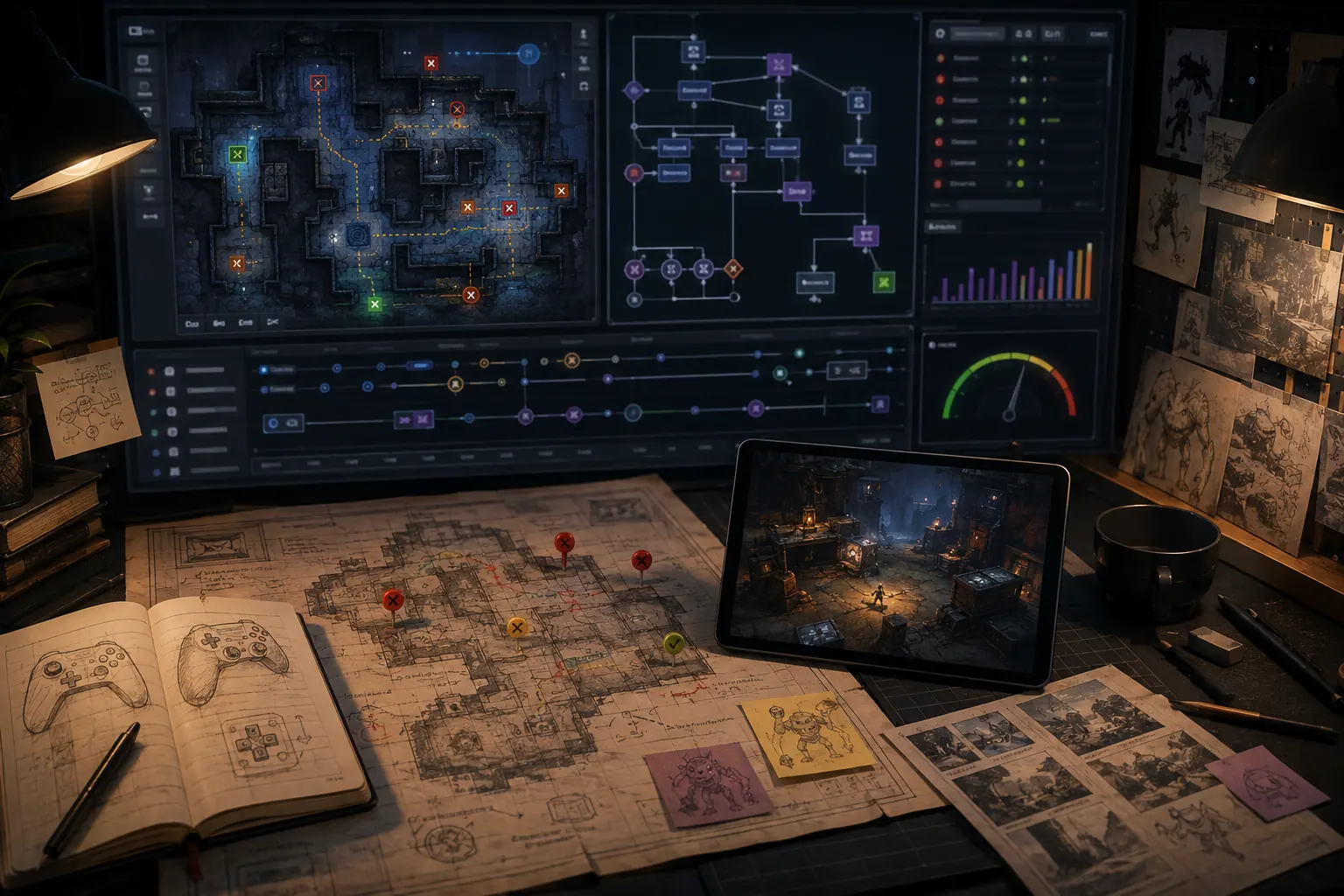
Freeze the validated mechanic, choose a distribution target, move into a maintainable code and asset pipeline, then rebuild quality around tests rather than piling prompts onto the prototype.
1. Decide whether to rebuild
Audit code access, dependencies, licenses, performance and export. If the prototype is locked to a feed or its architecture is tangled, preserve the rules and reference behavior but rebuild in a controlled project.
2. Write a production brief
- Target platforms and minimum hardware
- Core loop and explicit non-goals
- Save, analytics, accessibility and localization needs
- Asset ownership and AI-use records
- Milestones with playable acceptance tests
3. Establish engineering basics
Use version control, issue tracking, automated tests for core state and reproducible builds. Replace unknown dependencies and temporary generated assets. Profile before expanding content.
4. Prove retention before scale
Give a polished vertical slice to players who owe you nothing. Measure completion, replay and confusion. More levels do not fix a weak loop; validate the small version before producing content.
Replace generated momentum with a production baseline
A prototype proves that an interaction might be enjoyable. A real project needs a stable repository, documented dependencies, reproducible builds and a list of features tied to player value. The first production task is therefore not adding content; it is making the current slice understandable and repeatable.
Prototype-to-production checklist
- Freeze and archive the best playable version.
- List every game state, system, asset source and external dependency.
- Remove unused generated code and placeholder assets.
- Create a small regression checklist for controls, score, saves and replay.
- Define a vertical slice that represents final quality without requiring the full game.
- Confirm export, commercial rights and store requirements before scaling content.
“Add ten worlds and fifty enemies” is not a production plan. “Complete one ten-minute world with final controls, one enemy family, save/load, settings, performance target and release-quality audio” is a vertical slice that reveals whether the pipeline can support the larger game.
If the current AI platform cannot provide the control needed for this baseline, migrate while the project is still small. Rebuilding one proven mechanic is cheaper than rebuilding a content-heavy game later.
Doing this more than once? Standardize it.
Once turning an AI Game Prototype Into a Real Project becomes recurring work, a reusable process is faster than reconstructing the same checks from memory. The Brightory AI Game Builder Workflow Kit packages this kind of work into reusable planning sheets, prompt structures, change-control templates, playtest checks and handoff assets, so you can carry the method into the next project instead of starting over.
Create a change policy
Decide how new work enters the project. Each change should have a purpose, a limited scope, acceptance criteria and a rollback point. Large prompts that rewrite several systems are appropriate for disposable exploration, not for a production baseline.
Keep a short decision log explaining why important mechanics, values and dependencies exist. This helps future collaborators—and future you—distinguish deliberate design from generated accident. Production quality comes partly from making the project understandable.
Replace demo assumptions with production requirements
A prototype proves that an interaction can work. A project must also survive repeated play, updates and distribution. List everything the prototype currently takes for granted: temporary assets, hard-coded values, missing save behavior, no error handling, no settings, no accessibility pass and no release packaging.
Create a stabilization milestone
Before adding major content, freeze features and spend one milestone on predictable behavior. Put the project under version control where possible, document the core systems, remove duplicate generated code, and add tests or repeatable manual checks for the mechanics that break most often.
Decide whether to continue in the same platform
The prototype is the right moment to test export, source access, performance and commercial terms. Migrating a small working loop is manageable. Migrating after months of content production is much more expensive.
Prototype scope benchmark
A strong AI game request behaves like a small design specification: player action, state transition, goal, failure condition and feedback. Theme and adjectives are secondary until the loop is testable.
- Write the loop in verbs.
- Define score/timer/health/inventory or other state explicitly.
- State what version one excludes.
- Add one mechanic per revision.
- Promote the prototype only after repeated playtests.
Acceptance test
A new player should understand the action-goal-feedback loop quickly, and the developer should be able to modify one mechanic without rewriting unrelated behavior.
Decision rule
Convert “make a fun game” into a player loop plus state machine before asking for polish.
- Ars Technica — Pocket hands-on
- Rosebud Terms of Service
- Rosebud — AI Game Creator
- Roblox Creator Hub — Studio Assistant guide
- Roblox Creator Hub — Studio testing modes
Features, pricing and terms can change quickly. Recheck the linked sources and current official terms before making a commercial or platform decision.